VERSION 0.16.215
Build 524
- Fix: a second taunt after the first one ended gave a script error. Now it does not.
Closed betaOpen betaArena shooter
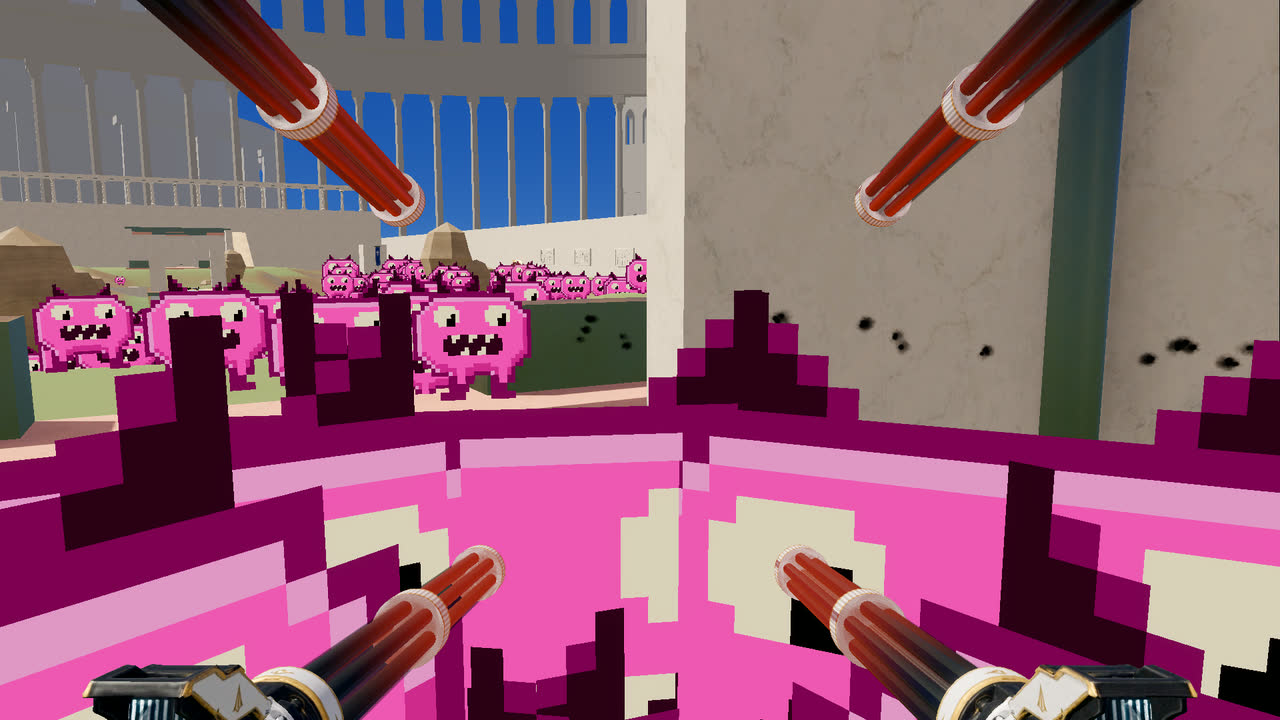
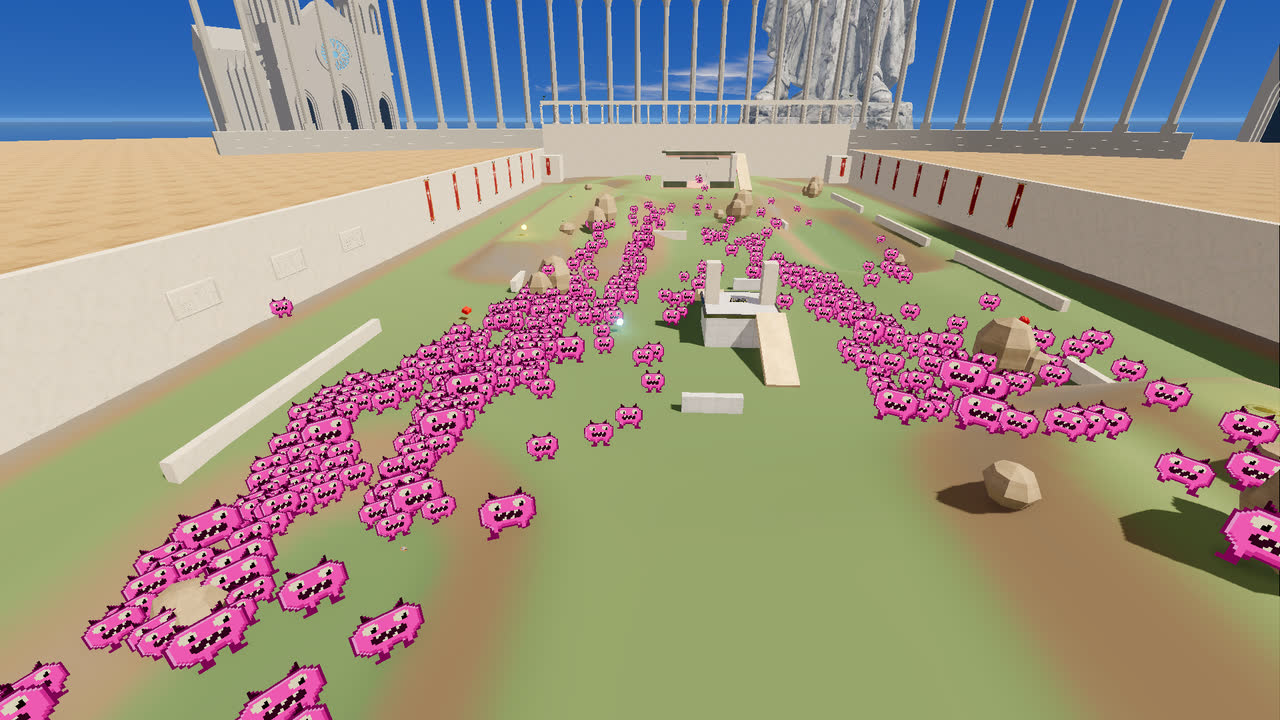
A fast arena shooter. Fight your friends, beat the bots, then hold the line when five hundred pink things come over the wall.
Sign up with your email and we send you the download link. Parents sign up; kids play under your account. Already in? Send me a sign-in link.
Version 0.16.215. No admin password. Updates itself every time it starts. Beta build: expect bugs, and tell us. How to install
Wave 9: 550 of them
Closed betaOpen beta
Shootbutt is in closed beta. You play new builds first, and your reports decide what we fix next. Sign up with your email to get the download. Parents sign up; kids play under your account.
The game is not finished. Modes, maps and balance change every week.
01
Simple to start, hard to put down.
02
Every mode works with friends, with bots, or both.
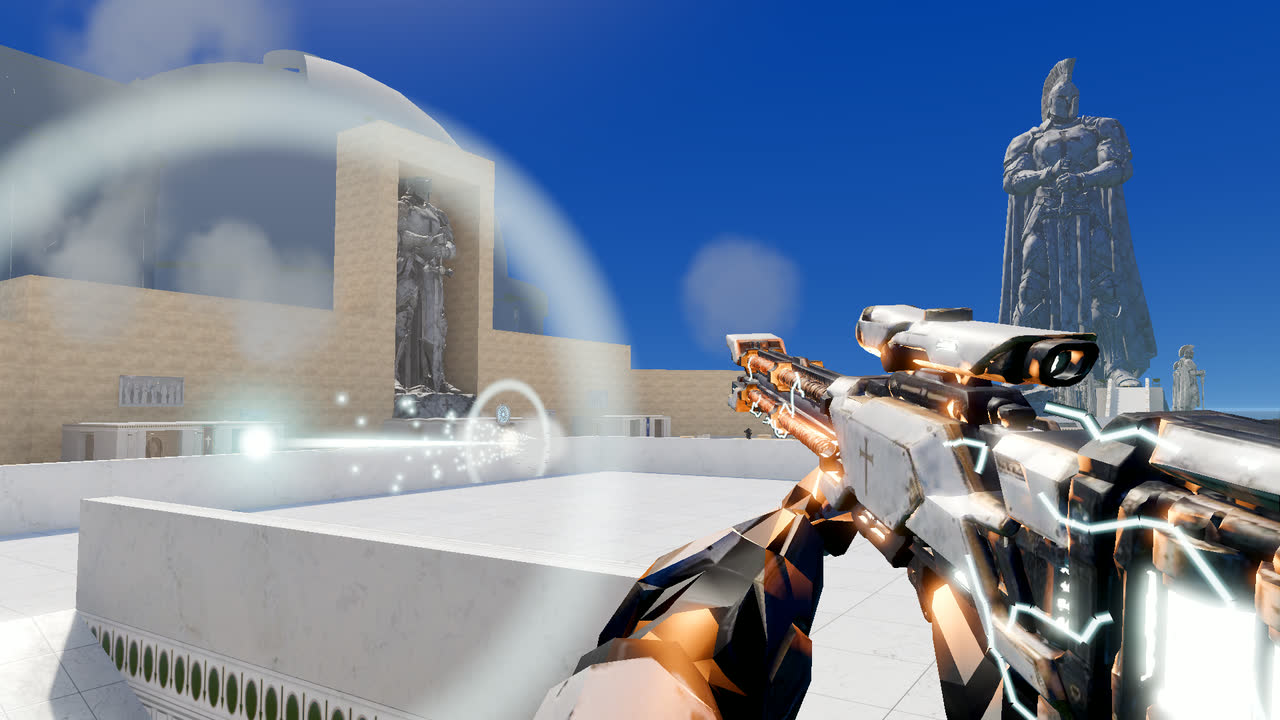
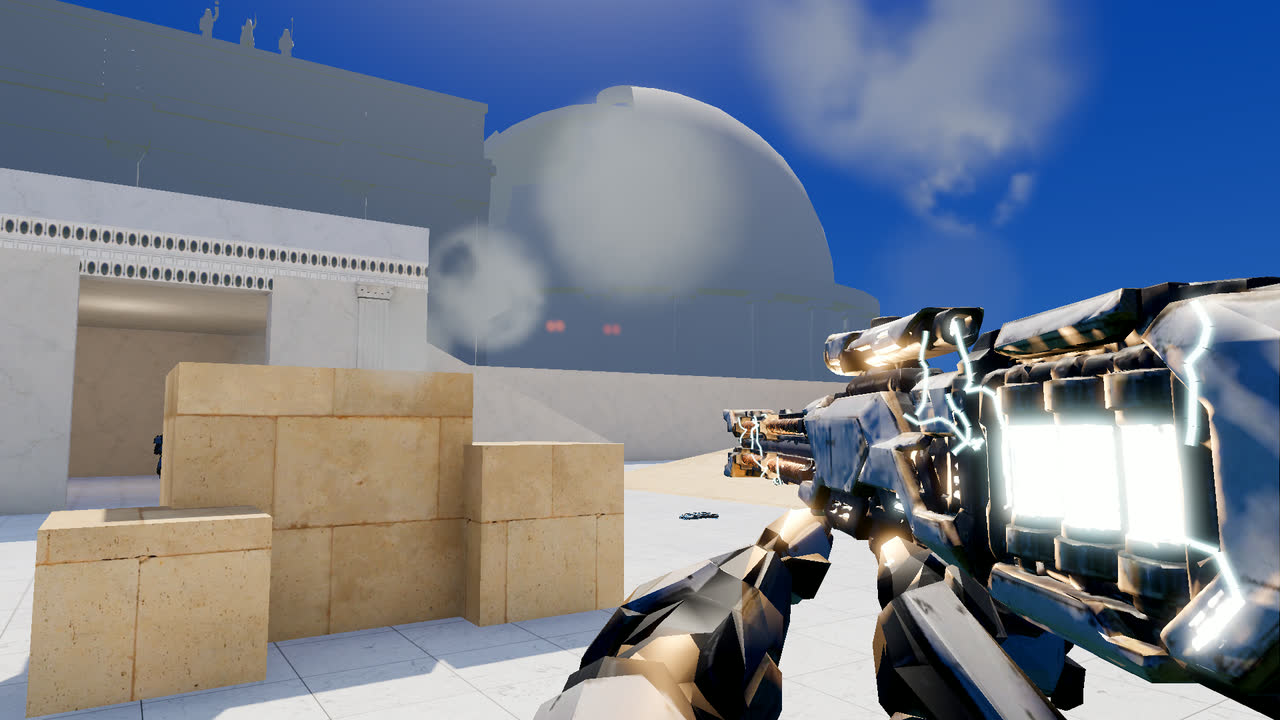
Maps today: Gorge and Hollow in the main rotation, plus test maps in the playlists: Colossus, Hippodrome, Acropolis, Harbor, Breachwall, Longreach (vehicles) and more.
03
Scroll sideways for more.
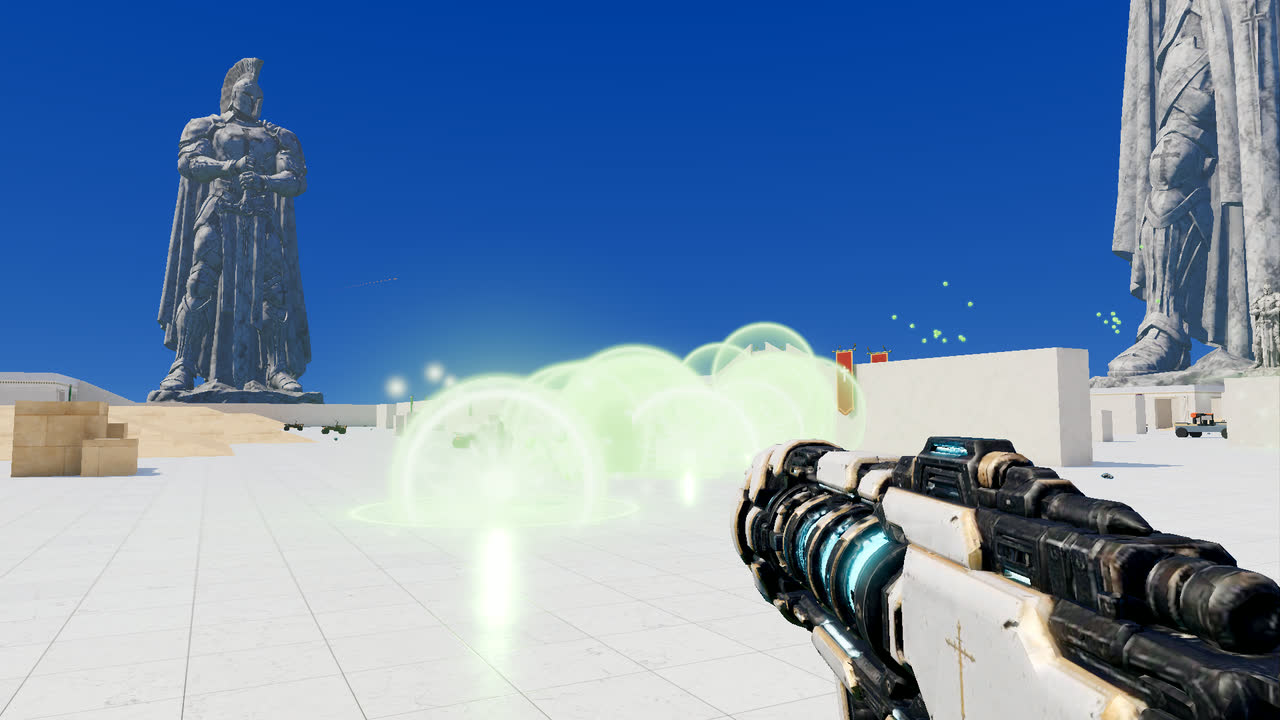
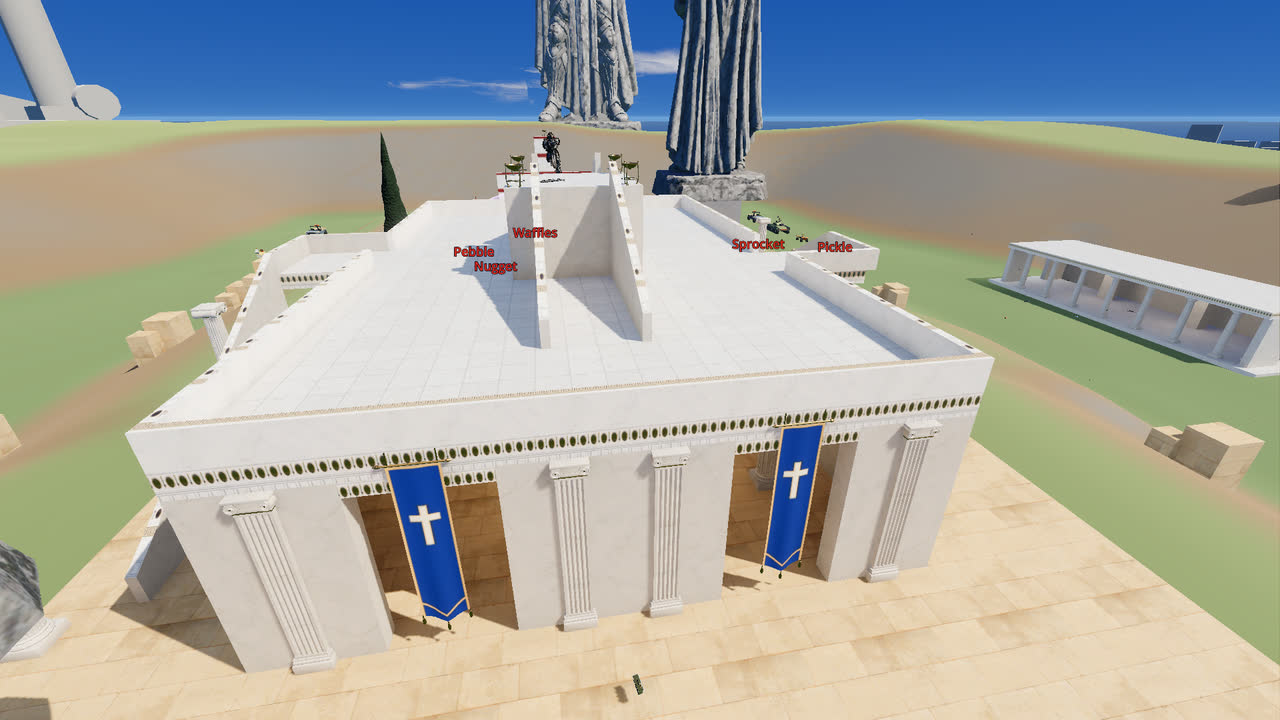
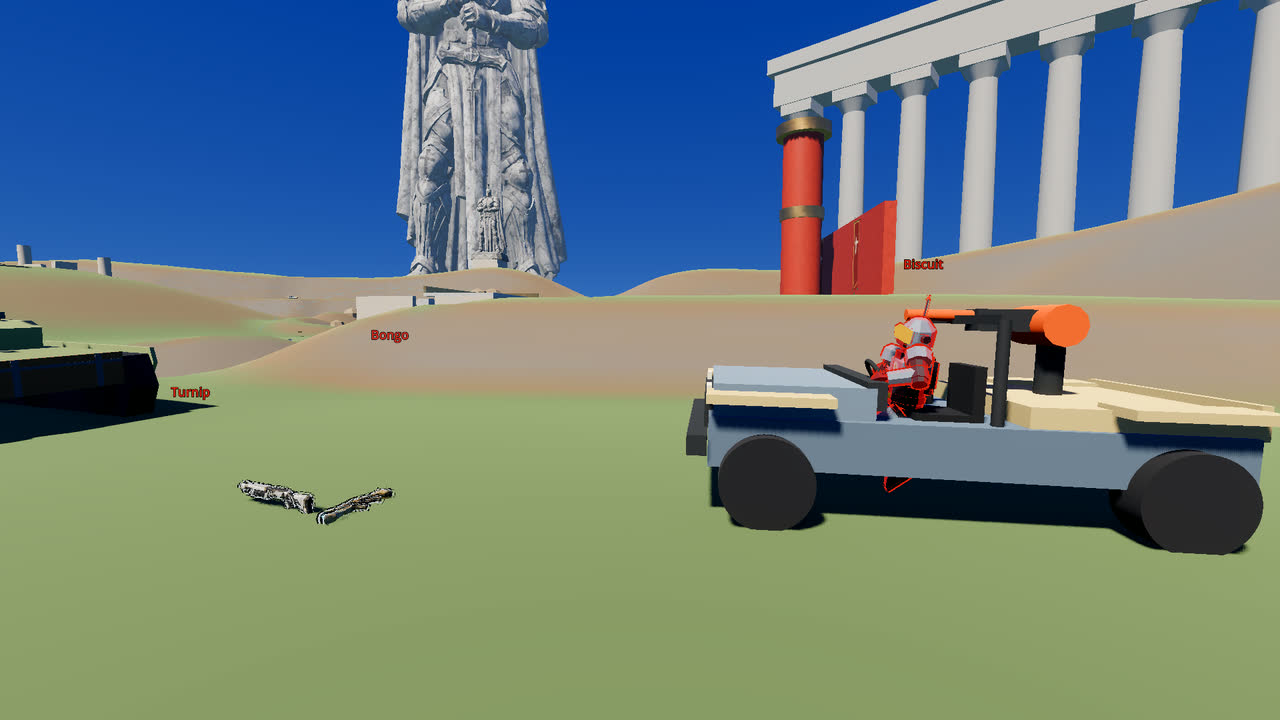
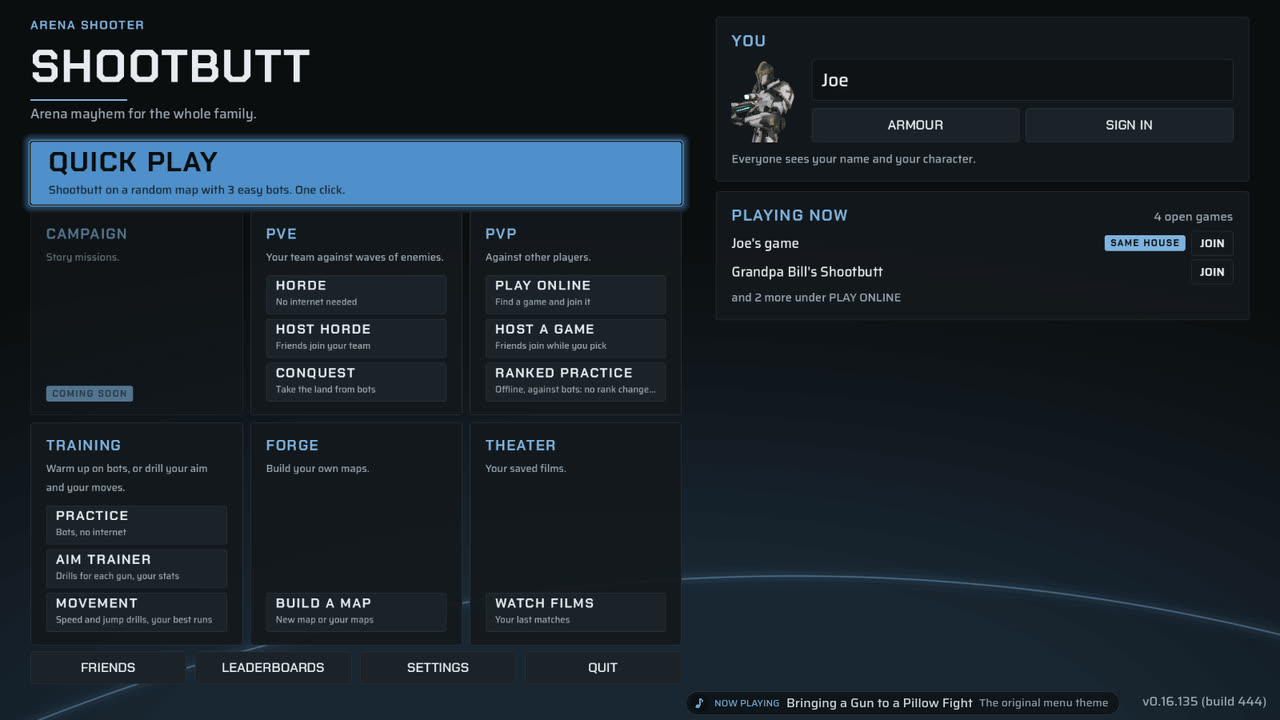
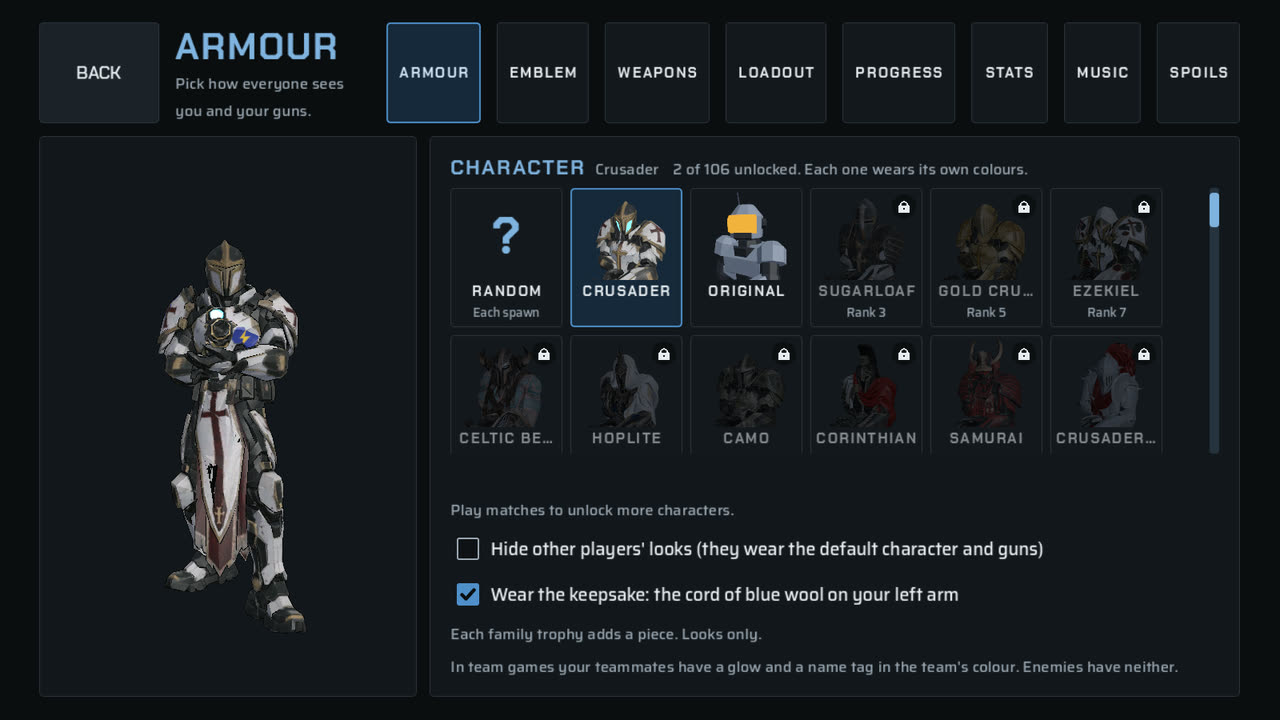
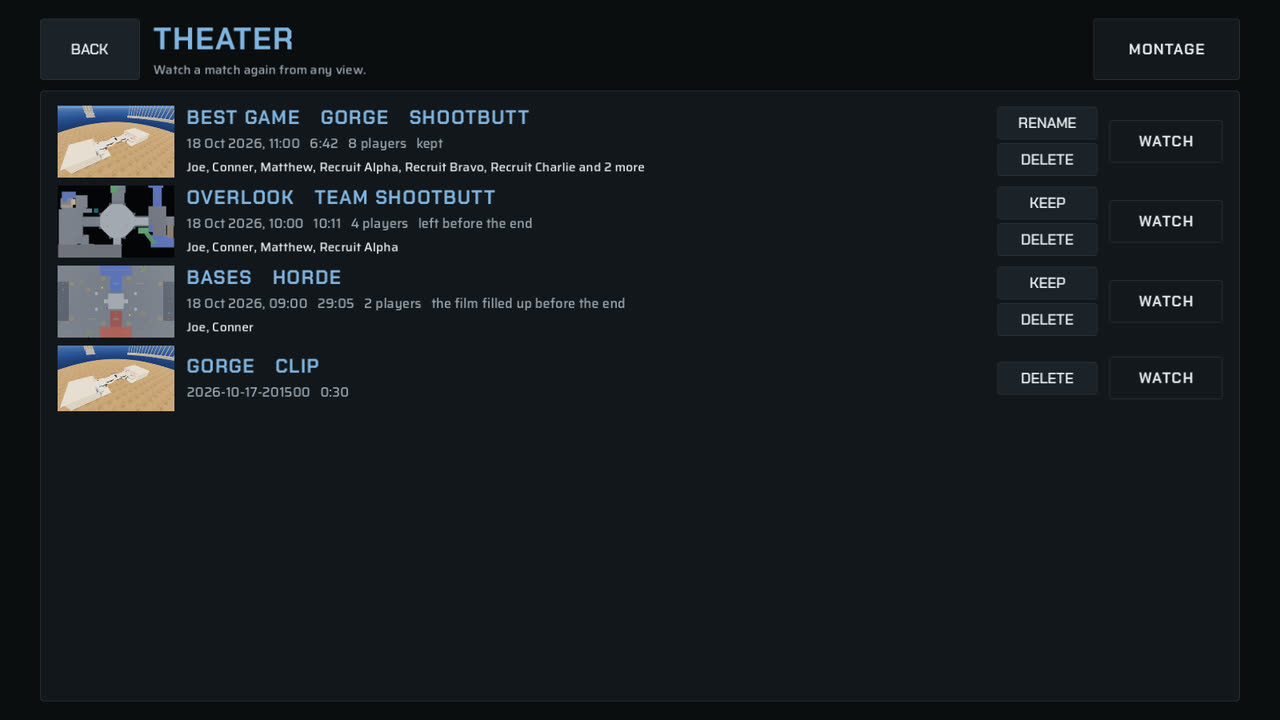
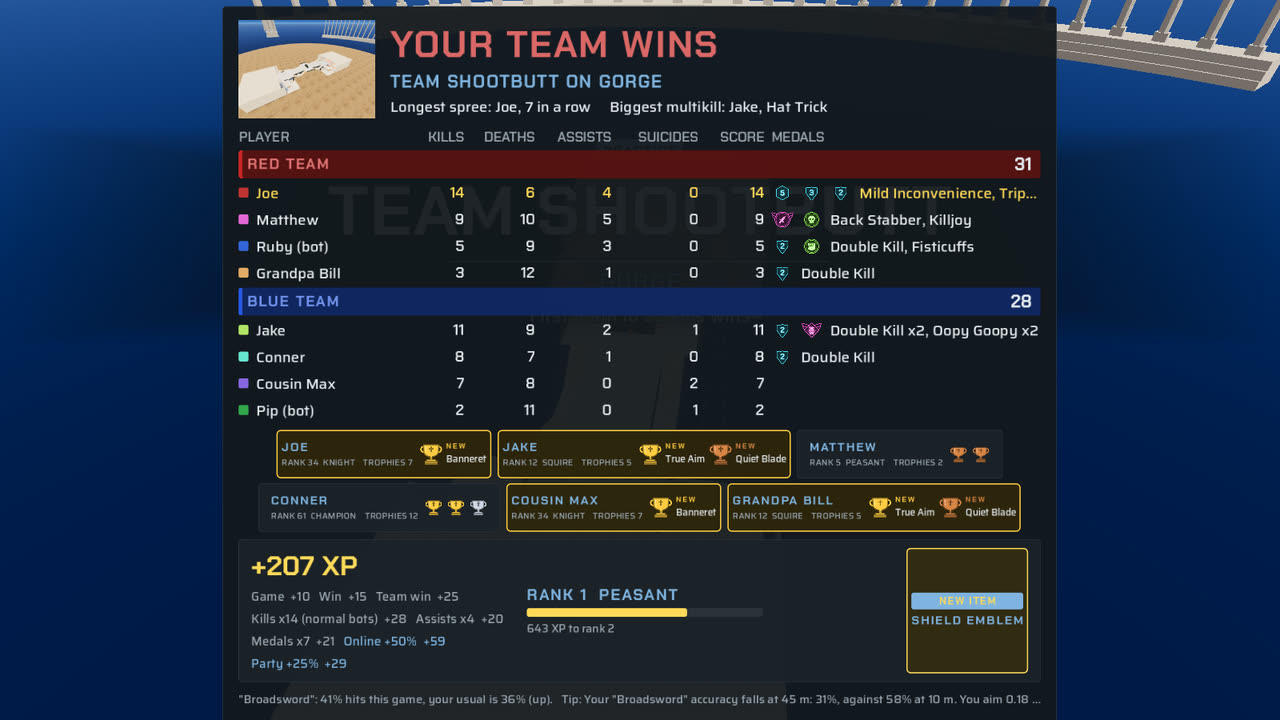
04
Most computers from the last ten years. Older graphics cards switch to a simpler renderer by themselves.
| WINDOWS | MAC | LINUX | |
|---|---|---|---|
| System | Windows 10 or 11, 64-bit | macOS, Apple silicon or Intel | 64-bit x86 desktop Linux |
| Graphics | Vulkan, Direct3D 12 or OpenGL 3.3 | Metal | Vulkan or OpenGL 3.3 |
| Download | about 1338 MB | about 0 MB | about 0 MB |
| Input | Keyboard and mouse, or a controller. Every key can change. | ||
05
After this, Shootbutt keeps itself up to date. You never download it again.
The host's pause screen
PAUSED
Online address: 203.0.113.7:7777
06
One of you hosts. The others join from their own homes. There is no server to rent.
The public game list never shows anyone's address. When you join a game, your PC connects straight to the host's PC, as in any player-hosted game, so the host and the players in that game can see each other's address. Play with people you trust, or use a join code.
07
Your game gets these the next time it starts. You do not have to do anything.
VERSION 0.16.215
Build 524
- Fix: a second taunt after the first one ended gave a script error. Now it does not.
08
Most problems have a one-line fix.
Yes, during the beta.
See the download button above.
Windows, Mac and Linux computers (64-bit). Not phones or tablets yet. It needs a keyboard and a mouse, or a controller.
No. One player hosts the match on their own computer. Friends join it.
The public game list never shows anyone's address. When you join a game, your PC connects straight to the host's PC, as in any player-hosted game, so the host and the players in that game can see each other's address. Play with people you trust, or use a join code.
Yes. Press QUICK PLAY for a match against bots. No internet needed.
Only crash and error reports: the version, the system, the graphics card, the map, the mode and the error. No names, no chat, no IP address. Turn them off in Settings, Gameplay, Send crash and error reports. A child profile never sends one.
That blue box is normal for a new game. Click More info, then Run anyway. You see it only when you install, not when you play.
Some extract tools lose the "can run" mark on the file. Type sh install.sh in the shootbutt folder instead. To open a terminal there, right-click an empty part of the folder window and choose Open in Terminal.
Do step 3 of the Mac install: on macOS 15 or newer, System Settings, Privacy & Security, Open Anyway. On older macOS, right-click Shootbutt and choose Open. If it still says "damaged", drag Shootbutt to Applications first, then try again.
Sometimes a new version needs a fresh install. On Windows the game usually does this itself. If you see the button, click it. Your browser downloads the new file.
./install.sh again.Your name, settings and Forge maps stay.
The host must be in a game from HOST A GAME. Look for it on PLAY ONLINE, or add each other with player codes in FRIENDS. As a last step, type the whole address from the host's pause screen (Online address:), for example 203.0.113.7:7777. If it still fails, the host's router is blocking the connection: the host turns on UPnP in the router or forwards the game port (7777), or a friend with an open router hosts.
Windows: open the Start menu, find Shootbutt, and choose Uninstall Shootbutt. Mac: drag it from Applications to the Trash. Linux: the README.txt in the download has the command.
Windows then names the publisher instead of "Unknown publisher". You do this once per PC. The blue box can still show.
09
Press Esc in the game, then Feedback. It goes straight to us.
A community space and a contact address come soon.
A press kit (logo, screenshots and a fact sheet) comes soon. Streamer mode hides join codes on screen.